UX Field Guide app icon
A field guide to UX

Patterns, laws, and the psychology of good design.

A calm, offline reference for designers. 127 entries across four pillars, each explained plainly with a concept illustration and, where it helps, an interactive demo you can play with.

Coming soon to the App Store See how it works

iPhone & iPad · iOS 26 · Free · No ads, no tracking

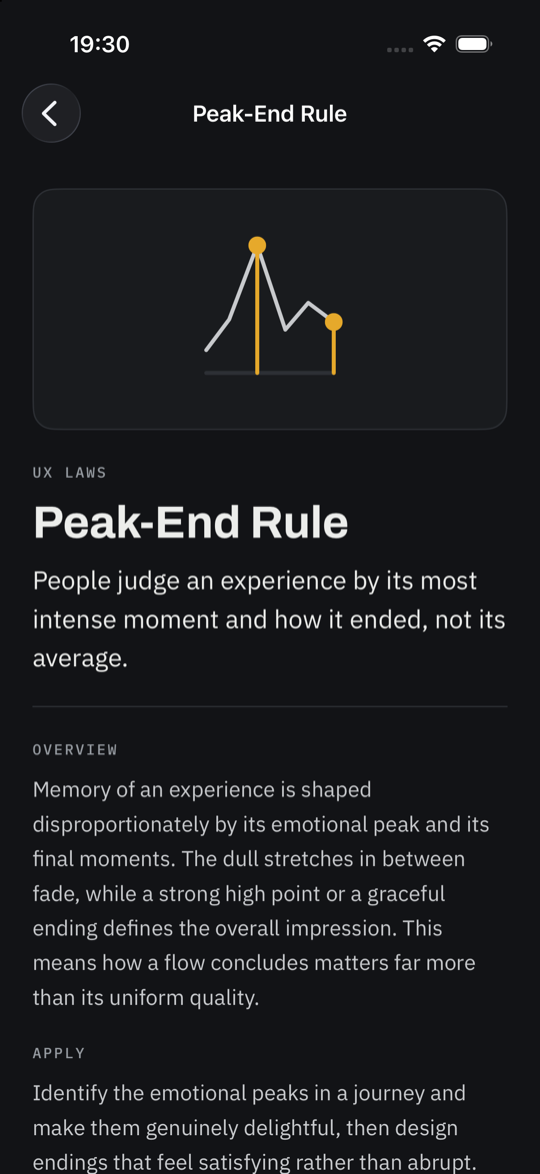
A UX Field Guide entry with its concept illustration and explanation
What's inside

A whole craft, organised and on hand.

Reference you can actually feel, not just read. Built to be quiet, legible, and quick to scan.

Four pillars, 127 entries

Patterns, Best Practices, UX Laws, and Psychology, including the Gestalt principles. Each entry has a tldr, the why, how to apply it, and a good-versus-bad example.

Interactive demos

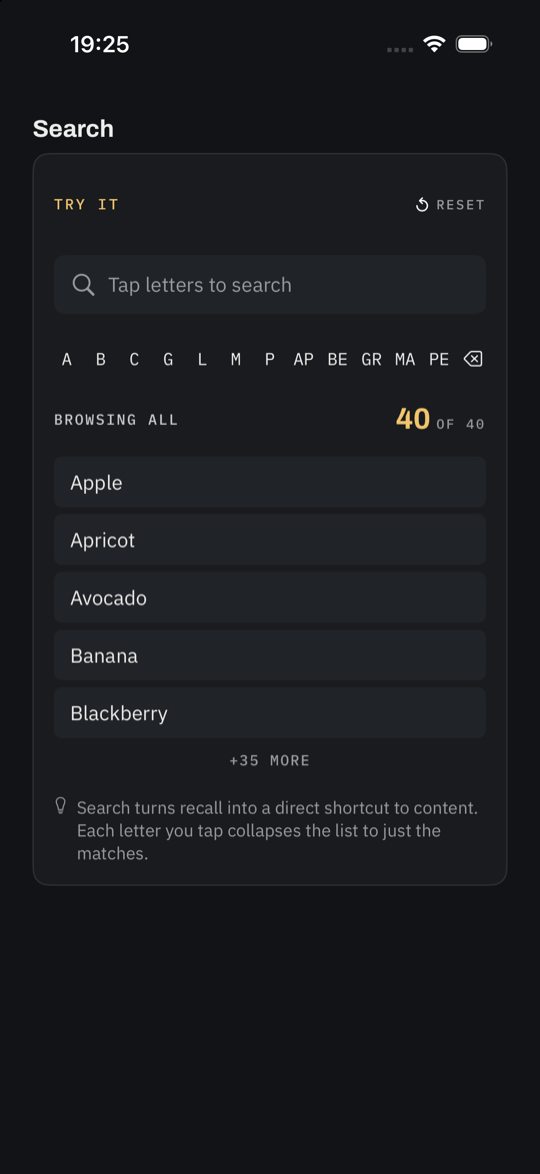
Most entries include a small demo you operate yourself. Shrink a tap target, add menu options, anchor a guess, and feel the principle rather than just read it.

Concept illustrations

Every entry carries a monoline diagram that states its idea at a glance, so the library scans by shape, not just text.

Search by meaning

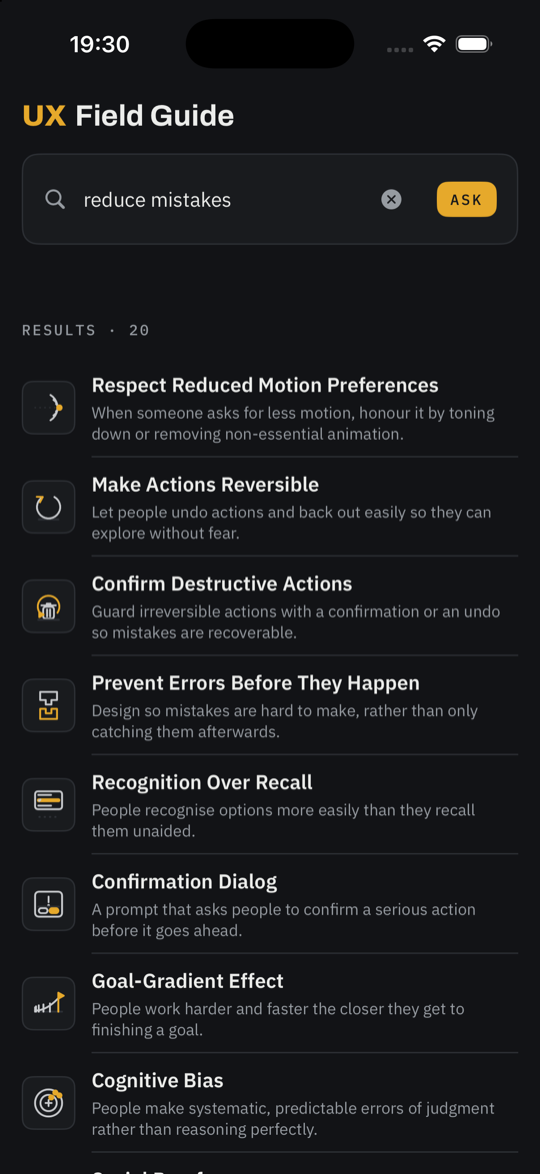
Type what you mean, not the exact words. On-device embeddings rank the most relevant entries, blended with keywords so titles still land first.

Ask, answered on device

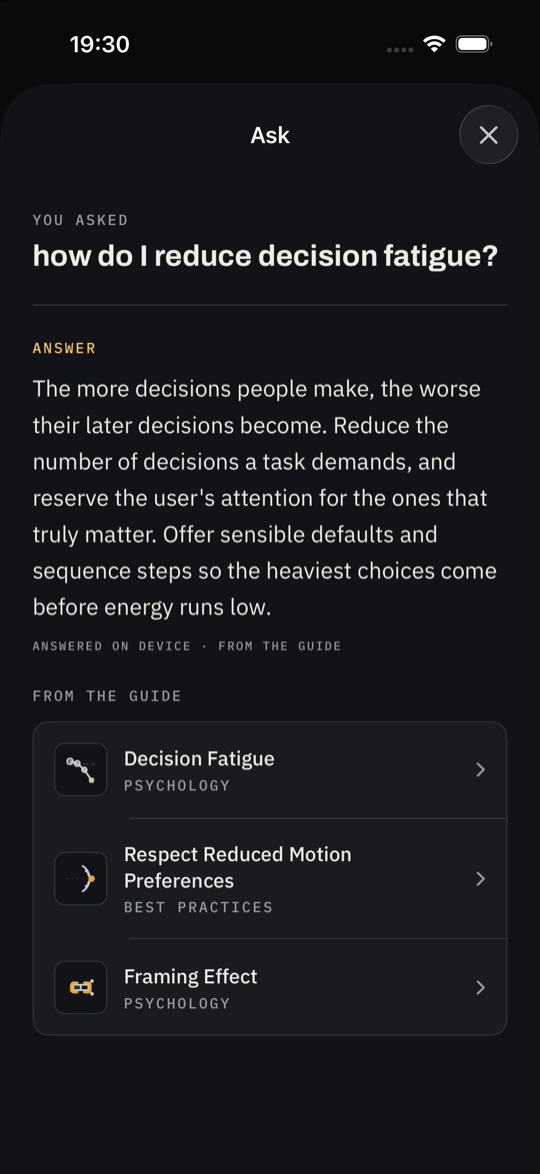
Pose a question in plain language and get a short, grounded answer drawn from the guide, with the most relevant entries linked beneath it.

Private and offline

No accounts, no ads, no tracking. The whole guide ships in the app and works with no connection. Search and the assistant run entirely on your device.

How it works

Browse, search, or just ask.

1

Browse a pillar

Open Patterns, Best Practices, UX Laws, or Psychology and scan the list by illustration and title.

2

Read and try it

Each entry gives you the idea, how to apply it, a good-versus-bad example, and a demo to play with.

3

Search or ask

Find an entry by meaning, or ask a question and get a short answer grounded in the guide.

A closer look

Clear, calm, and built to be felt.

An entry with its concept illustration and explanation
Every entryIllustration, explanation, and how to apply it.
An interactive demo inside an entry
Interactive demosOperate the idea and feel it click.
Search results ranked by meaning
Search by meaningRanked results with a short snippet.
The assistant answering a question
Ask, on deviceA grounded answer, with linked entries.

Your learning is nobody else's business.

UX Field Guide has no accounts, no analytics, and no advertising. There is no server that receives your activity. Search and the on-device assistant never send your queries off the device.

No tracking No ads No accounts Works offline On device